Sometimes it's the little things.
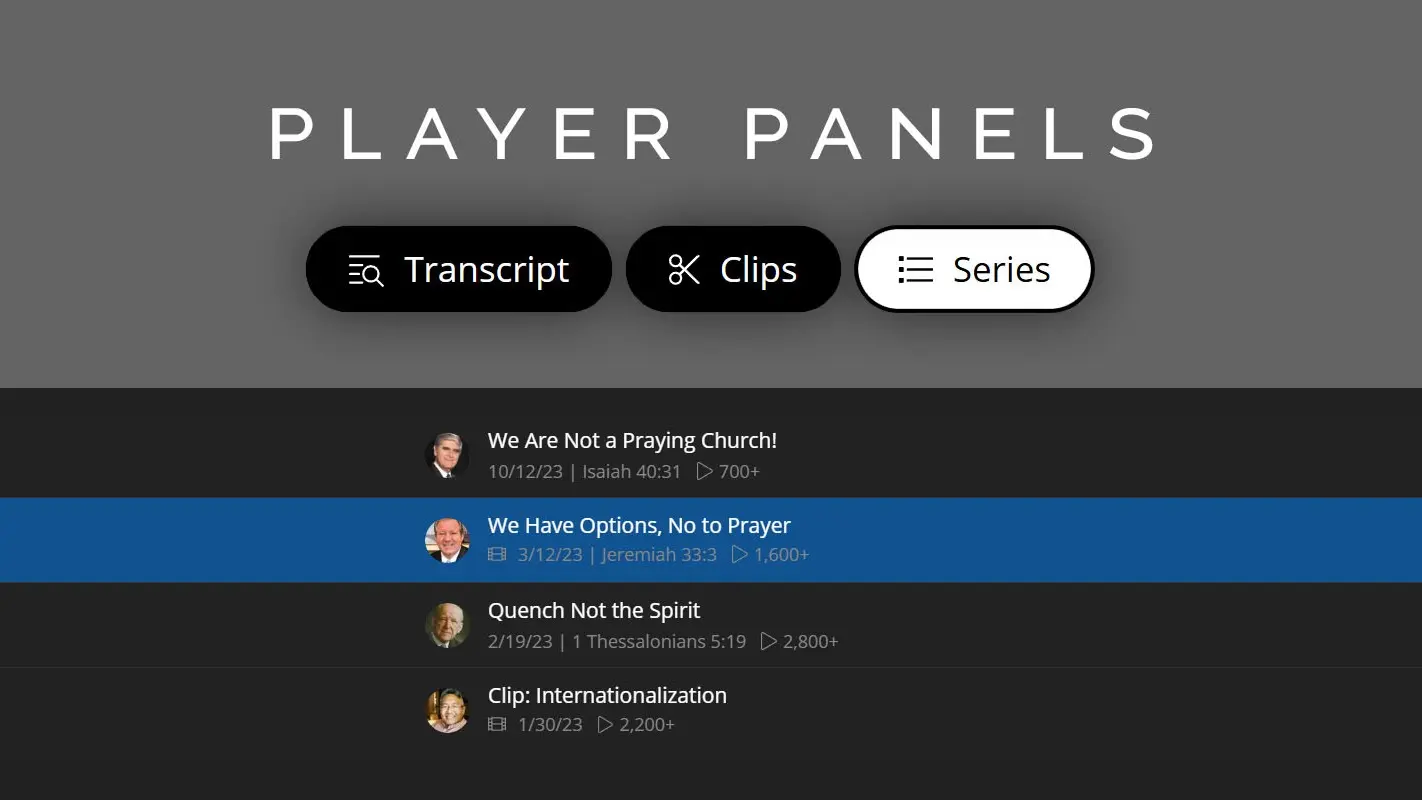
We've just given our sermon player (in our opinion) a massive boost in usefulness and enjoy-ability. We now have a set of player panels that slide on and off the screen to reveal additional content if the sermon is part of a series, if there are sermon clips, or if the sermon transcript is available.
It might seem like a small thing, but it's actually a pretty big deal. Why? It's like giving peripheral vision for preaching. In other words, it's now much easier to gain context for any sermon you're listening to. So, if you're on a sermon clip, you can easily see the full sermon from which it was derived. If you're on a sermon series, you can easily see the other sermons around the selected sermon. If you open the transcript, you can see where you are in the individual sermon.
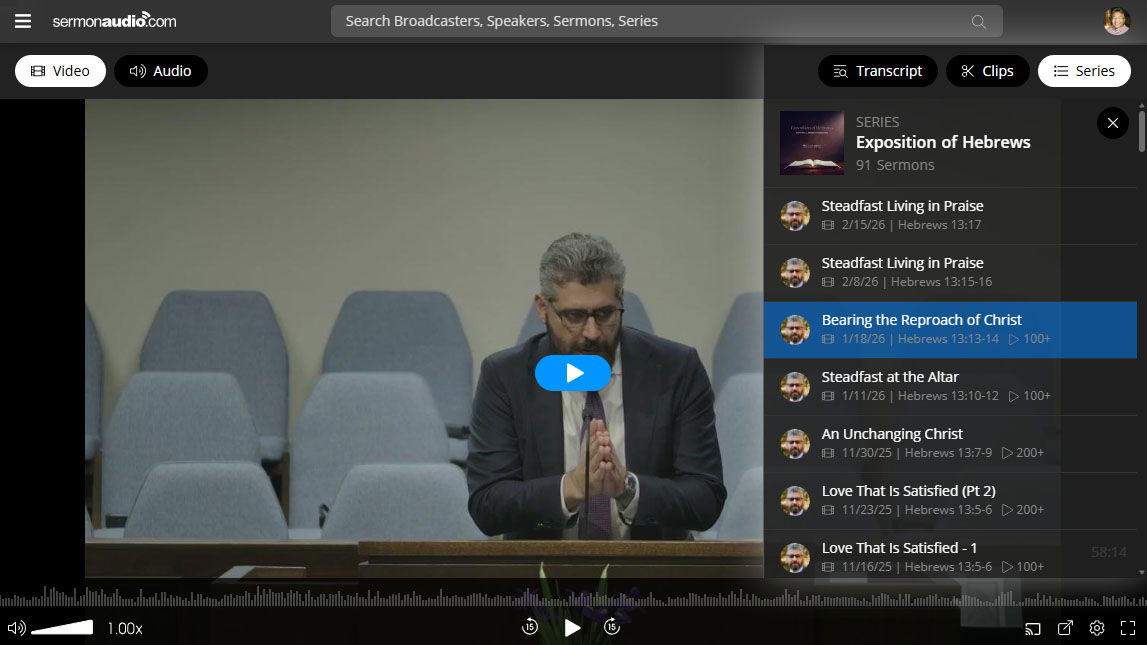
And from a technical standpoint, when using these panels to click around to the various clips and sermons, you will enjoy doing so without the "expensive" round-trip of browser navigation—the selection of the sermon will happen in-place on the page. It just makes life better.
Click here to try out the various panels on a sample sermon!
Keyboard shortcuts!
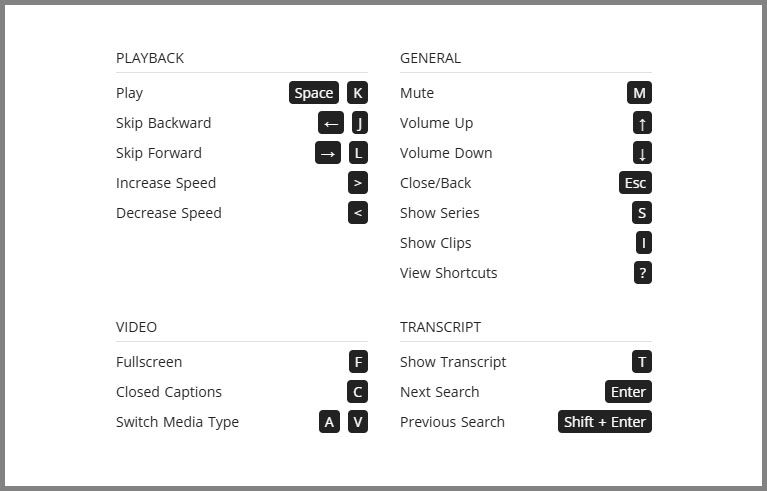
Each of the panels can be activated with buttons but what's better is that you can also activate the panels by keyboard shortcuts! Press the letter "S" for the series panel, the letter "I" for the clips panel, and the letter "T" for the transcript panel, and so on. Use the "?" to see all the available keyboard shortcuts.
We hope you'll enjoy and appreciate this tremendous new boost in the player experience on the site. It's a small but incredibly useful improvement. We have some pretty talented developers on our team, and we're putting their good gifts to good use!